Idea Capture
Quick first pass for new generated songs.
Explorer / Curator
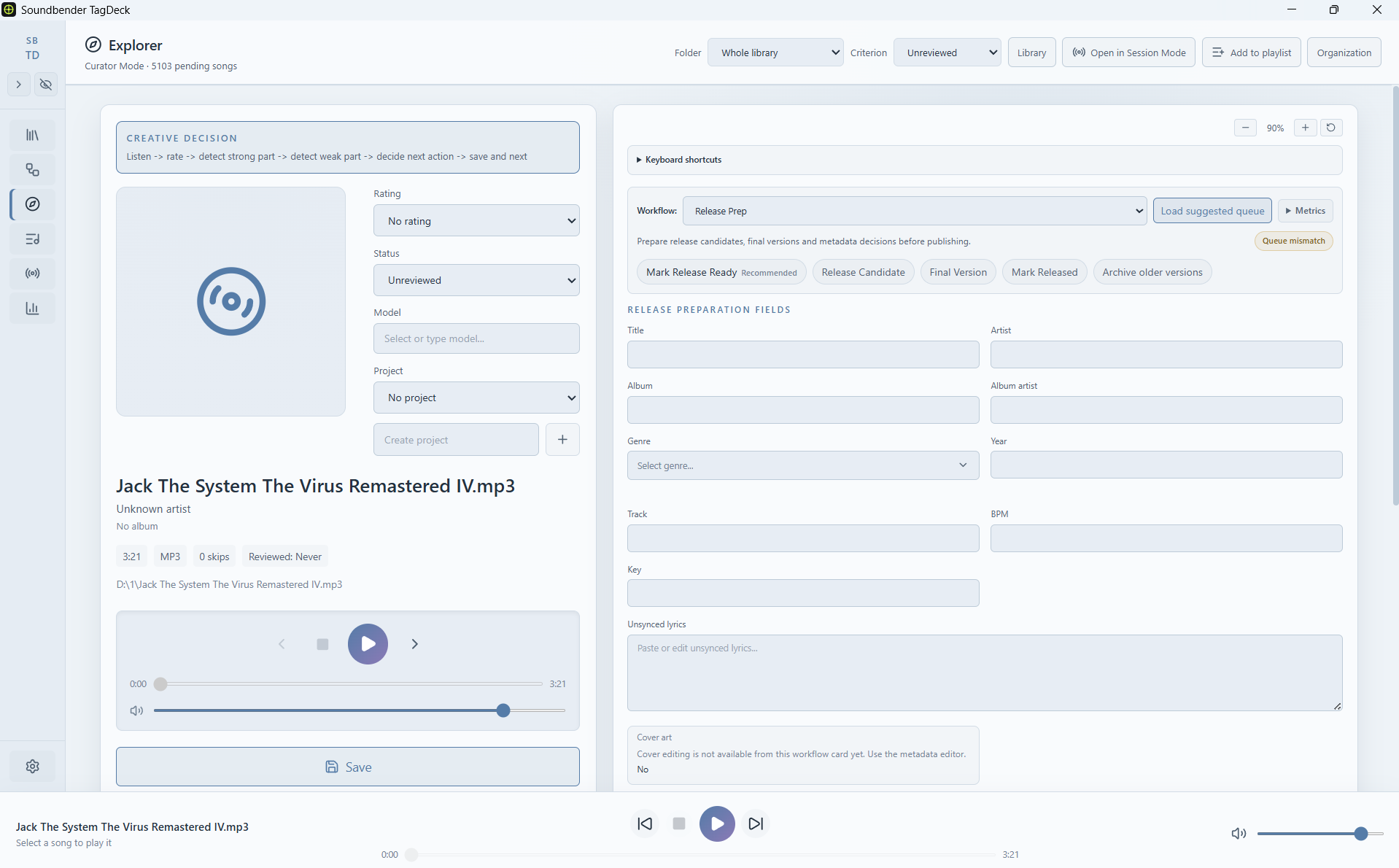
Explorer mode is built for focused listening and fast decisions: rate, tag, assign status, add notes, define the next action and move to the next song.
Review queue
Explorer mode turns a large library into a manageable review queue. Instead of staring at thousands of files, you work through one song at a time and make useful decisions.
Decisions
Every generated track can become something different: a release candidate, a radio track, a DAW rescue, a model seed, a useful fragment or an archive item.
Presets
Explorer is designed around real review situations, not generic tagging.
Quick first pass for new generated songs.
Detailed review for promising tracks.
Mark what needs stems, arrangement, mix, master or vocal replacement.
Prepare candidates for publication.
Find tracks ready for playlists, sessions or radio.
Save useful references, seeds and fragments.
Keep imperfect songs that still contain something useful.
Clean the library without deleting audio files.
Speed
Explorer is designed for speed. Customizable shortcuts help you rate and move through tracks quickly while ignoring inputs, textareas, selects and modals.
Curate
Explorer mode is the middle layer between raw AI generations and finished music decisions.