Radio preparation
Build and test radio-ready sets or listening blocks.
Session Mode
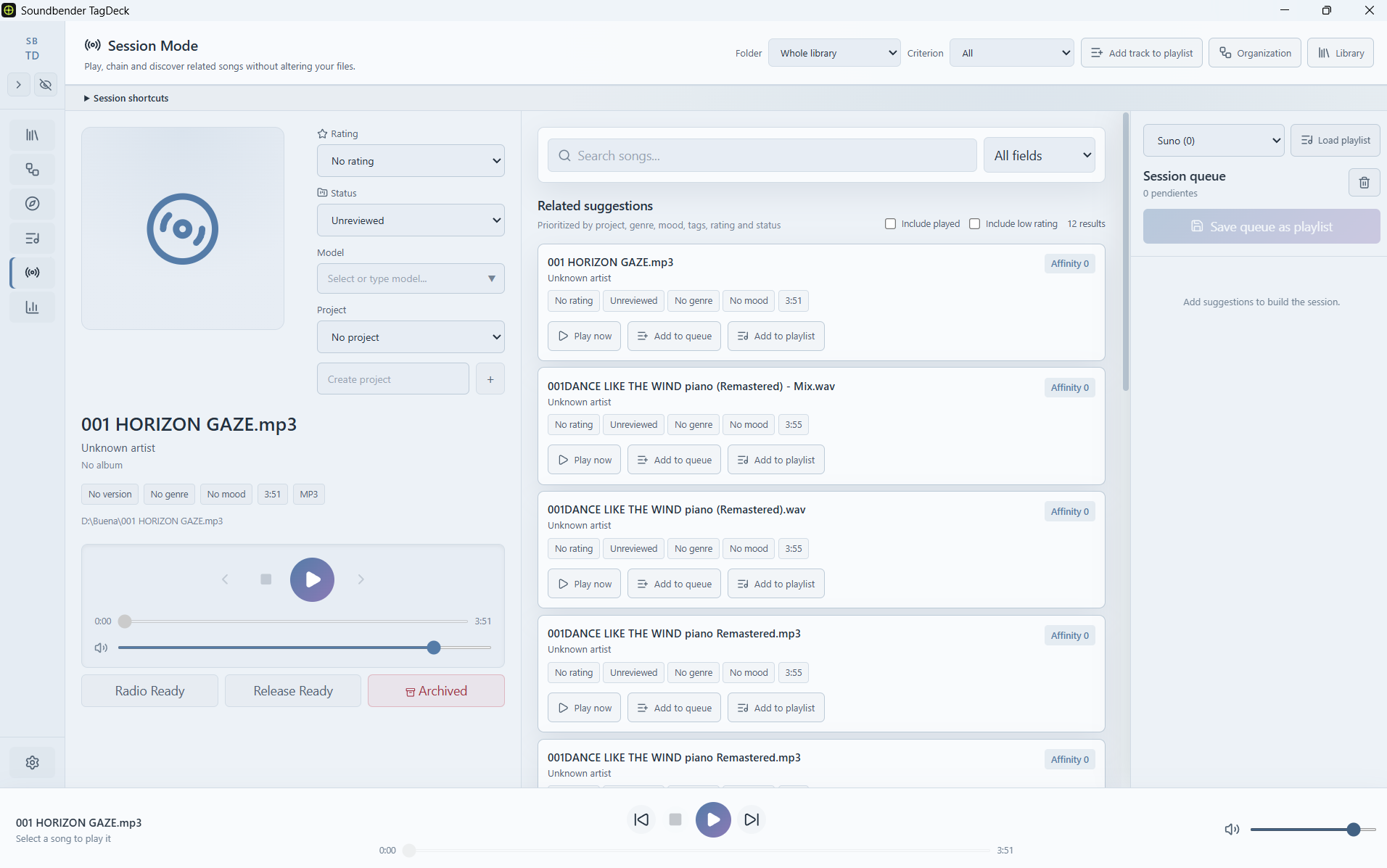
Session mode helps you work with active queues, playlists and listening passes without losing the creative context of your library.
Listening work
Session mode is for working with groups of songs instead of isolated files. Load a playlist, a library selection or a review queue and keep listening while you decide what belongs together.
Use cases
Session mode helps you test how songs work together and prepare groups of tracks for a specific purpose.
Build and test radio-ready sets or listening blocks.
Compare candidates and decide what belongs in a release.
Group tracks that need production, stems, arrangement, mix or mastering.
Spend time with selected songs without browsing the full library.
Check borderline tracks before archiving them.
Playlists
TagDeck playlists are internal working lists. They help you organize review passes, radio sets, release candidates, references and unfinished material.
Purpose
Session mode includes playback, but the goal is not just listening. The goal is deciding what the music is for.
Decide together
Use Session mode when a single song is not enough and you need to understand how tracks work together.